The question "How long battery life of the floor cleaning robot?" seems straightforward, yet the answer is multifaceted. It encompasses not only the total runtime on a single charge but also the battery's lifespan over years of use, the intelligence of the power management system, and the real-world factors that can drastically alter performance. A robot might boast 180 minutes of battery life in ideal laboratory conditions, but in a typical home with carpets, furniture, and the need to navigate complex layouts, that number can be significantly less. Furthermore, the advent of features like automatic recharging and resume, self-emptying bases, and smart home integration has transformed the concept of battery life from a simple countdown timer into a dynamic aspect of a larger, automated ecosystem.
This guide will provide a comprehensive and clear examination of robotic vacuum batteries. We will explore the different battery chemistries that power these devices, explain how manufacturers calculate runtime, and detail the multitude of factors that affect real-world endurance. We will also demystify battery degradation, offering practical advice on how to maximize both daily performance and long-term battery health. By moving beyond marketing specifications and focusing on practical, actionable knowledge, this guide aims to empower you to make an informed decision, ensuring the robotic vacuum you choose has the stamina to keep your home consistently clean, today and for years to come.
Part 1: Battery Fundamentals – Chemistry and Capacity
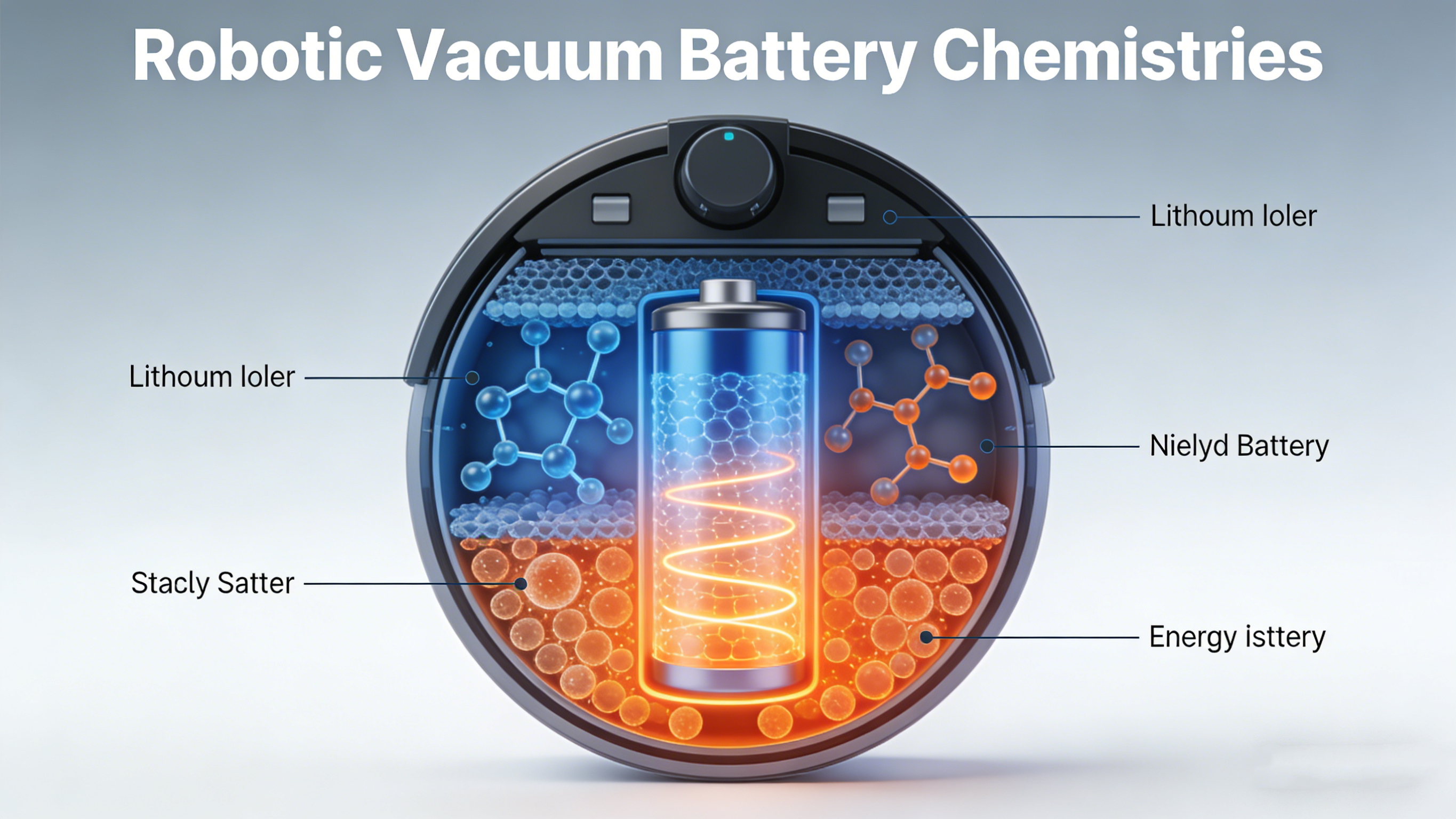
The performance and longevity of any robotic vacuum are fundamentally tied to the type of battery it uses. Today, the overwhelming majority of models are powered by lithium-ion (Li-ion) batteries, which have decisively replaced older technologies like nickel-metal hydride (NiMH).
Lithium-Ion: The Modern Standard
Lithium-ion batteries are the preferred choice for several compelling reasons. They offer a superior energy density, meaning they can store more power in a smaller, lighter package—a crucial advantage for compact robots. They have a lower self-discharge rate, so they hold their charge longer when not in use. Critically, they do not suffer from the "memory effect," a phenomenon seen in some older battery types where partial charging could reduce future capacity. This allows users to recharge their robot at any time without worrying about damaging the battery. For the end-user, this translates to a more convenient, reliable, and longer-lasting power source that supports the frequent, partial charging cycles typical of robotic vacuum use.
Understanding Battery Capacity
Battery capacity is the fuel tank of your robot. It is typically measured in milliampere-hours (mAh). A higher mAh rating generally indicates a larger capacity and the potential for a longer runtime, all else being equal. It's common to see capacities ranging from about 2,600 mAh in more compact or budget models to 5,200 mAh or more in premium robots designed for large homes. However, mAh is not a direct translation to minutes of cleaning. The actual runtime is determined by how quickly the robot consumes that stored energy, which depends on motor power, cleaning mode, navigation efficiency, and floor type.
Beyond mAh: The Role of Voltage and Configuration
The battery's nominal voltage (usually 14.4V or 21.6V in robots) and its internal cell configuration also play a role in overall performance. A higher voltage system can sometimes deliver power more efficiently to high-demand components like the suction motor, especially when transitioning to carpet boost mode. When evaluating, it's more practical to focus on the manufacturer's stated runtime estimates and real-world reviews than to compare mAh numbers in isolation, as the overall system efficiency varies greatly between models.
![How long battery life of the floor cleaning robot?]()
Part 2: Decoding Runtime – Advertised vs. Real-World Performance
Manufacturers provide a "maximum runtime" figure, but this is almost always achieved under a specific set of idealized laboratory conditions. Understanding these conditions is key to setting proper expectations.
The Laboratory Benchmark
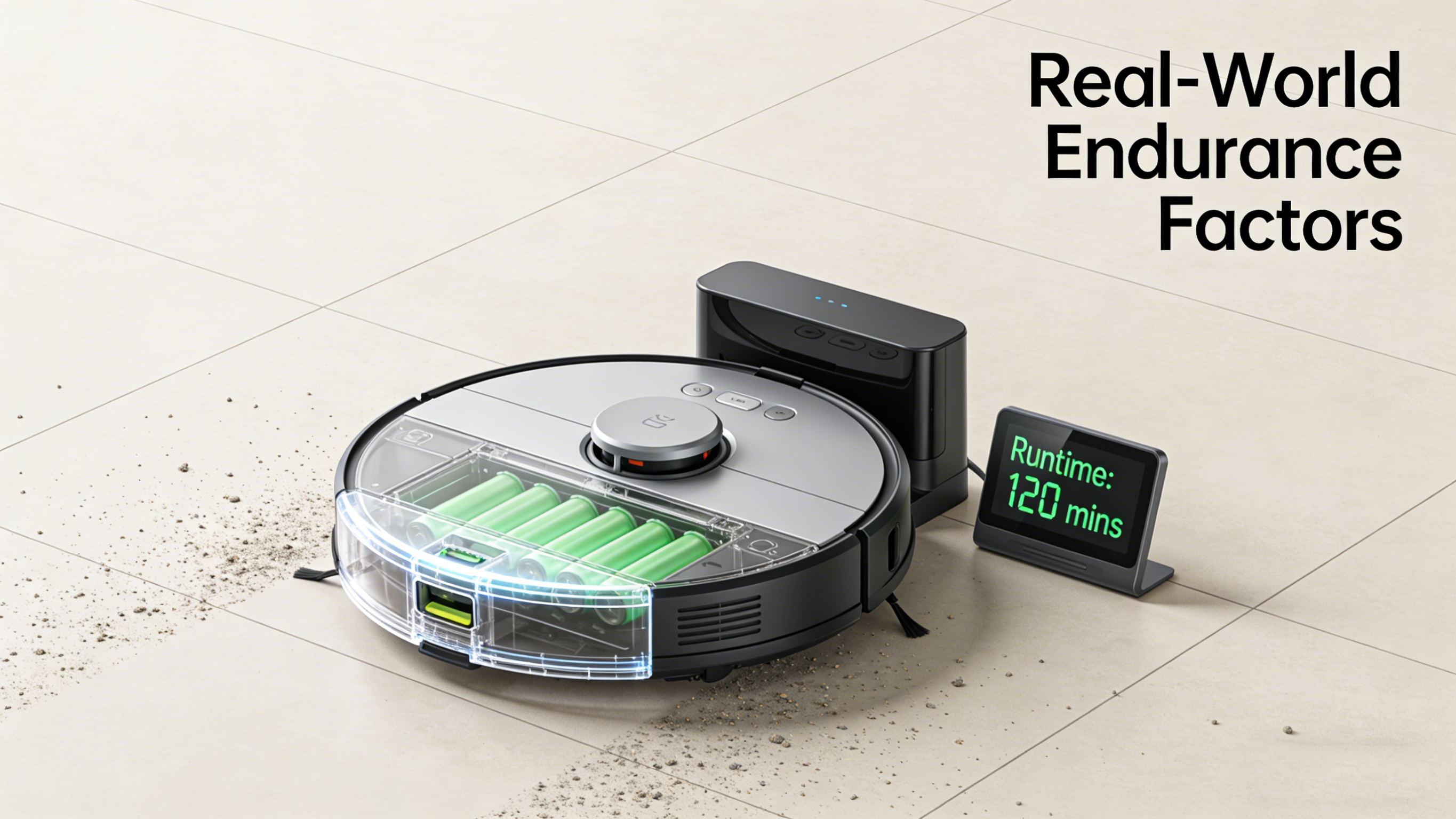
The advertised runtime is typically measured with the robot operating on its quietest or eco mode, cleaning a smooth, open hard floor with no obstacles, and with its mopping function (if any) disabled. This creates a best-case scenario that minimizes energy consumption. For example, a robot might achieve 180 minutes in this test. However, a home is not a laboratory.
Factors That Reduce Runtime
Several variables in your home will consume more power, reducing the actual runtime you experience:
Cleaning Mode: Using a medium or maximum suction (Boost/Max mode) can increase power draw by 50% to over 100%, drastically cutting runtime. Carpet boost features, which automatically increase suction on rugs, have a similar effect.
Flooring Type: Cleaning carpets requires significantly more energy than hard floors. The suction motor works harder, and the brushroll motor encounters more resistance.
Navigation and Movement: Complex home layouts with many rooms, furniture to navigate around, and frequent direction changes use more power than cleaning a single, empty room. Robots with less efficient navigation that bump into objects or repeat areas will waste battery life.
Mopping Function: For hybrid vacuum-and-mop models, operating the water pump and dragging a damp cloth adds to the energy load.
Battery Age and Health: As a battery undergoes charge cycles, its maximum capacity slowly diminishes, which will gradually reduce runtime over the years.
A Practical Runtime Estimate
A useful rule of thumb is that real-world runtime is often 60-75% of the advertised maximum. A robot rated for 120 minutes might reliably clean for 75-90 minutes under typical home conditions before needing a recharge. This is a critical consideration when matching a robot to your home's size.
Table 1: Estimated Real-World Runtime Based on Home Size & Conditions
| Home Size & Profile | Recommended Advertised Runtime | Expected Real-World Runtime | Key Features to Support Endurance |
| Small Apartment (< 800 sq ft) | 90 - 120 minutes | 60 - 90 minutes | Standard efficiency modes are usually sufficient. |
| Medium Home (800 - 1,500 sq ft) | 120 - 180 minutes | 75 - 120 minutes | Auto-recharge & resume is highly beneficial. |
| Large Home (> 1,500 sq ft) | 180+ minutes | 120+ minutes | Auto-recharge & resume is essential. A large battery capacity (e.g., >5,000 mAh) is important. |
| Homes with Extensive Carpeting | Add 25-50% to above recommendations | Runtime will be lower on carpets. | Strong carpet detection to apply boost only when needed. |
| Multi-Story Homes | Runtime per floor matters more than total. | Focus on cleaning one floor per charge cycle. | Multi-floor mapping to handle separate maps and schedules. |
Part 3: The Intelligence of Endurance – Smart Features That Extend Usability
Modern robotic vacuums use software and smart features to overcome the physical limitations of battery capacity, ensuring complete cleaning coverage.
Automatic Recharge and Resume
This is the most important feature for ensuring any home, especially a large one, gets fully cleaned. When the robot's battery drops to a low level (usually 15-20%), it autonomously navigates back to its charging dock. After recharging to a sufficient level (often around 80% for speed), it returns to the exact point where it stopped and continues cleaning. This process makes the effective cleaning capacity virtually unlimited, as the robot can perform multiple charge-and-clean cycles to tackle very large areas.
Strategic Power Management
Advanced robots don't just use battery power blindly; they distribute it intelligently:
Room-by-Room Cleaning: The robot cleans one room completely before moving to the next, minimizing the power wasted traveling back and forth across the house.
Eco/Smart Scheduling: You can schedule cleans during the day when no one is home, or set the robot to use a quiet, energy-efficient mode for daily maintenance and a more powerful mode for a weekly deep clean.
Self-Emptying Bases and Efficiency
While not directly related to the robot's internal battery, a self-emptying base station contributes to overall system efficiency. By emptying the robot's small dustbin into a larger base bag after each clean, it ensures the robot starts every job with optimal airflow. A clogged dustbin makes the suction motor work harder, draining the battery faster. Thus, a self-emptying base helps maintain peak energy efficiency cycle after cycle.
![The Importance of Battery for Vacuum Cleaning Robots]()
Part 4: Battery Lifespan – From Years to Replacement
Battery lifespan refers to how long the battery retains useful capacity before it needs replacement—a different concept from daily runtime. A lithium-ion battery naturally degrades over time and with use.
Understanding Charge Cycles
Battery health is measured in charge cycles. One full cycle is defined as using 100% of the battery's capacity, which can be accumulated over multiple uses. For instance, using 50% of the charge, recharging, and then using another 50% the next day equals one full cycle. Most robotic vacuum batteries are rated for 300 to 500 full charge cycles before their capacity diminishes to about 70-80% of the original. With typical use (e.g., a clean every other day), this translates to a functional lifespan of 2 to 4 years before runtime becomes noticeably shorter.
Maximizing Battery Longevity
You can take steps to extend your battery's healthy life:
Avoid Complete Depletion: Try not to let the robot run until it fully shuts down. The auto-recharge feature helps with this.
Partial Charging is Fine: Lithium-ion batteries do not need, and are actually stressed by, being constantly kept at 100%. It's perfectly healthy to recharge from 20% to 80%.
Store Properly: If storing the robot long-term, leave the battery at around a 50% charge level in a cool, dry place.
Use the Official Charger: Always use the provided dock or charger to ensure correct voltage and charging logic.
Replacement and Sustainability
When the battery no longer holds sufficient charge, replacement is usually straightforward. Many manufacturers sell official replacement batteries, and they are often user-replaceable with basic tools (like a screwdriver). Purchasing a genuine or high-quality compatible battery ensures safety and performance. Properly recycling the old battery at an electronics recycling facility is crucial for environmental responsibility.
Conclusion: Battery Life as a Pillar of Autonomous Cleaning
The battery of a robotic vacuum is far more than a simple component; it is the enabler of its core promise: autonomous, consistent cleaning. By understanding the distinction between marketing specs and real-world endurance, the role of intelligent features like auto-resume, and the factors that affect long-term battery health, you can make a choice that aligns with your practical needs. A well-chosen robot, matched to your home's size and equipped with smart battery management, will provide years of reliable service, transforming floor care from a manual task into a seamlessly automated background process. The right battery ensures your robotic helper has the stamina to finish the job, day after day, keeping your home clean with minimal effort on your part.